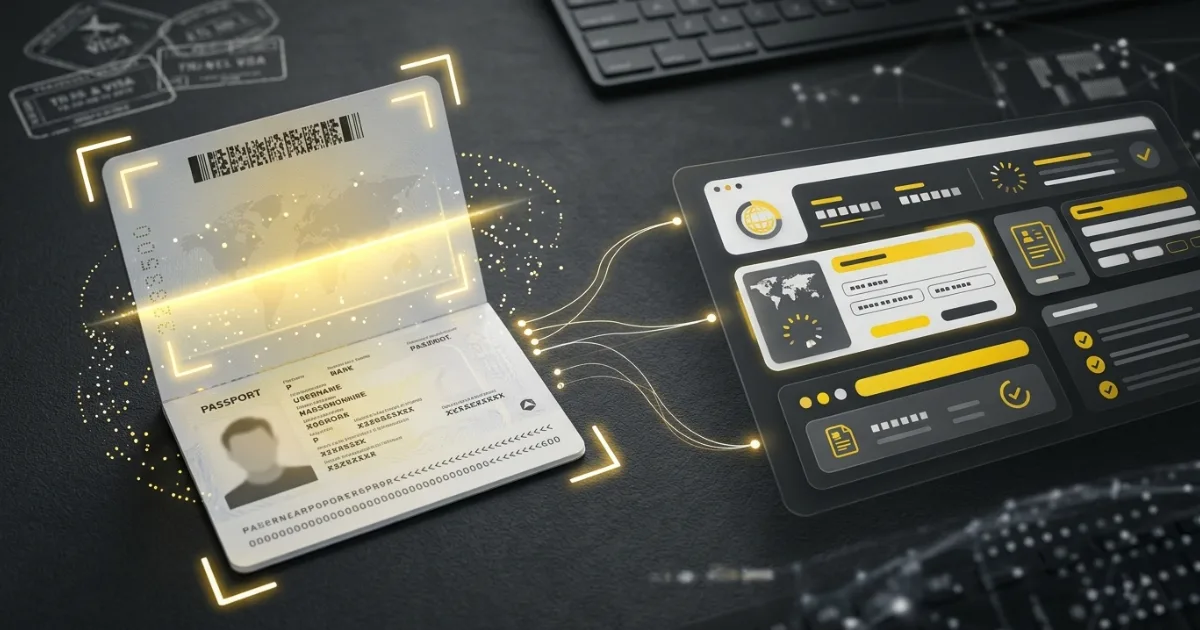
How Passport OCR API Helps Businesses Automate Identity Document Data Entry
Businesses that collect identity documents often face a common challenge: converting information from uploaded documents into usable digital records. Passports contain important personal and travel details, but transferring those details into business applications manually can take considerable time.
A Passport OCR API offers a way to automate this process. It uses Optical Character Recognition (OCR) to identify text in passport images and convert it into structured information that software applications can process.
For businesses developing digital Onboarding platforms, travel applications, and document management solutions, this technology can simplify an otherwise repetitive task.
Continue Reading
The Problem with Manual Passport Data Entry
Imagine a business receiving hundreds of passport images through its online application portal. Every document needs to be opened, reviewed, and entered into the appropriate fields.
This creates several operational challenges:
Employees spend time copying information from documents.
Repeated typing increases the possibility of data-entry mistakes.
Processing large document volumes requires additional administrative effort.
Different passport layouts can make information collection inconsistent.
Managing applicant records becomes more complicated without standardized data.
These challenges make automated document data extraction useful for businesses that regularly handle identity documents.
How a Passport OCR API Changes the Process
A Passport OCR API connects document recognition capabilities with an existing website, application, or backend system.
Instead of manually entering passport details, an application can submit an image to the API and receive recognized information in a structured response.
A typical process includes:
Document submission: A user uploads a passport image through an application.
Image recognition: The OCR service processes the image and identifies readable text.
Field extraction: Supported passport information is recognized and organized into individual fields.
Structured response: The application receives the extracted information in a machine-readable format, depending on the API.
Data integration: Developers map the returned values to relevant application fields.
Human review: Uncertain or incomplete results are flagged for inspection.
This approach allows businesses to incorporate document extraction into their existing digital workflows.
What Information Can Be Extracted from a Passport?
A passport contains several details that businesses may need during customer onboarding or travel-related processing.
Depending on the document format and OCR capabilities, an OCR solution may extract:
Full name of the passport holder
Passport number
Date of birth
Gender
Nationality
Issuing country
Passport issue date
Passport expiry date
Machine-Readable Zone (MRZ) information
The extracted values can be used to populate application forms, create customer records, and organize document information.
Why MRZ Recognition Matters
The Machine-Readable Zone is a standardized area found on many travel documents. In passports, it generally appears at the bottom of the identity page.
It contains encoded information represented by standardized characters, including document numbers, country codes, dates, and check digits.
MRZ recognition can help applications capture important passport details in a consistent format.
However, reading MRZ information does not independently establish whether a passport is authentic or whether a person is eligible for a visa. Those requirements involve additional verification processes.
Business Applications of Passport OCR Technology
Passport data extraction can support several business workflows.
Digital Customer Onboarding
Businesses that collect passport details during onboarding can use OCR to reduce repetitive information entry. Extracted values can be transferred into customer profiles for review.
Travel Management Platforms
Travel agencies and booking platforms can incorporate passport OCR into customer information collection processes.
Visa Application Software
Visa application platforms can use document extraction to populate relevant applicant fields and organize passport information before further review.
Hospitality Applications
Hotels and hospitality businesses may use document data extraction in supported guest registration workflows, subject to applicable legal requirements.
Enterprise Document Management
Organizations handling large collections of identity documents can use OCR to make information easier to organize, search, and process.
Important Factors That Affect OCR Results
Automated extraction depends on the quality and readability of the submitted document.
Image resolution: Low-resolution images may make small characters difficult to recognize.
Lighting conditions: Glare and shadows can interfere with text recognition.
Document positioning: Cropped or incorrectly positioned passport images may produce incomplete results.
Document layout: Different passport formats may place information in different positions.
Text readability: Damaged pages, faded printing, or blurred photographs can affect extraction.
Businesses should establish clear upload instructions and provide a review process for incomplete or uncertain results.
Integrating a Passport OCR API into Your Application
An API-based approach makes it possible to add passport data extraction without building an entire OCR engine internally.
Developers can integrate this capability into:
Web-based customer portals
Mobile applications
Travel booking platforms
Digital onboarding software
CRM applications
Document management systems
Before implementation, development teams should review API authentication, supported file formats, request parameters, response fields, error handling, and integration documentation.
They should also consider secure image transfer, restricted access, appropriate data retention, and applicable privacy requirements.
Choosing a Suitable Passport OCR API
Businesses should evaluate OCR providers according to their actual document-processing requirements.
Important considerations include:
Extraction capabilities: Check whether the service supports the passport fields required by your application.
MRZ recognition: Review whether it can process machine-readable passport information.
Integration options: Understand the API request and response formats.
Error handling: Check how incomplete and unsuccessful extraction requests are reported.
Document compatibility: Evaluate support for relevant passport formats and image types.
Data protection: Review security practices and document retention policies.
Technical documentation: Ensure developers have clear integration instructions.
Testing the API with representative documents can help determine whether the solution fits the intended workflow.
Explore Passport OCR API Solutions from AZAPI.ai
AZAPI.ai provides AI-powered API solutions for OCR, CAPTCHA solving, document data extraction, and digital verification workflows.
Its Passport OCR API is designed to help businesses and developers extract relevant information from passport documents and incorporate structured data into their applications.
Whether you are developing a travel platform, a digital onboarding application, or an enterprise document-processing solution, passport OCR can help simplify document information collection.
Explore the AZAPI.ai Passport OCR API to learn more about its capabilities.
Visit AZAPI.ai to discover additional OCR and intelligent automation solutions.
Conclusion
Automating passport data entry can help businesses reduce repetitive administrative work and organize identity document information more efficiently.
A Passport OCR API provides a practical way to convert passport images into structured digital records that can be integrated into existing applications.
When combined with suitable data validation, human review, and responsible information security practices, OCR technology can become a useful part of modern business document-processing workflows.